Midjourney V8 Prompts: 7 Big Changes for 2026
Midjourney V8 prompts work differently. See the 7 biggest shifts — from natural language to --hd 2K output — and how to update the prompts you already use.
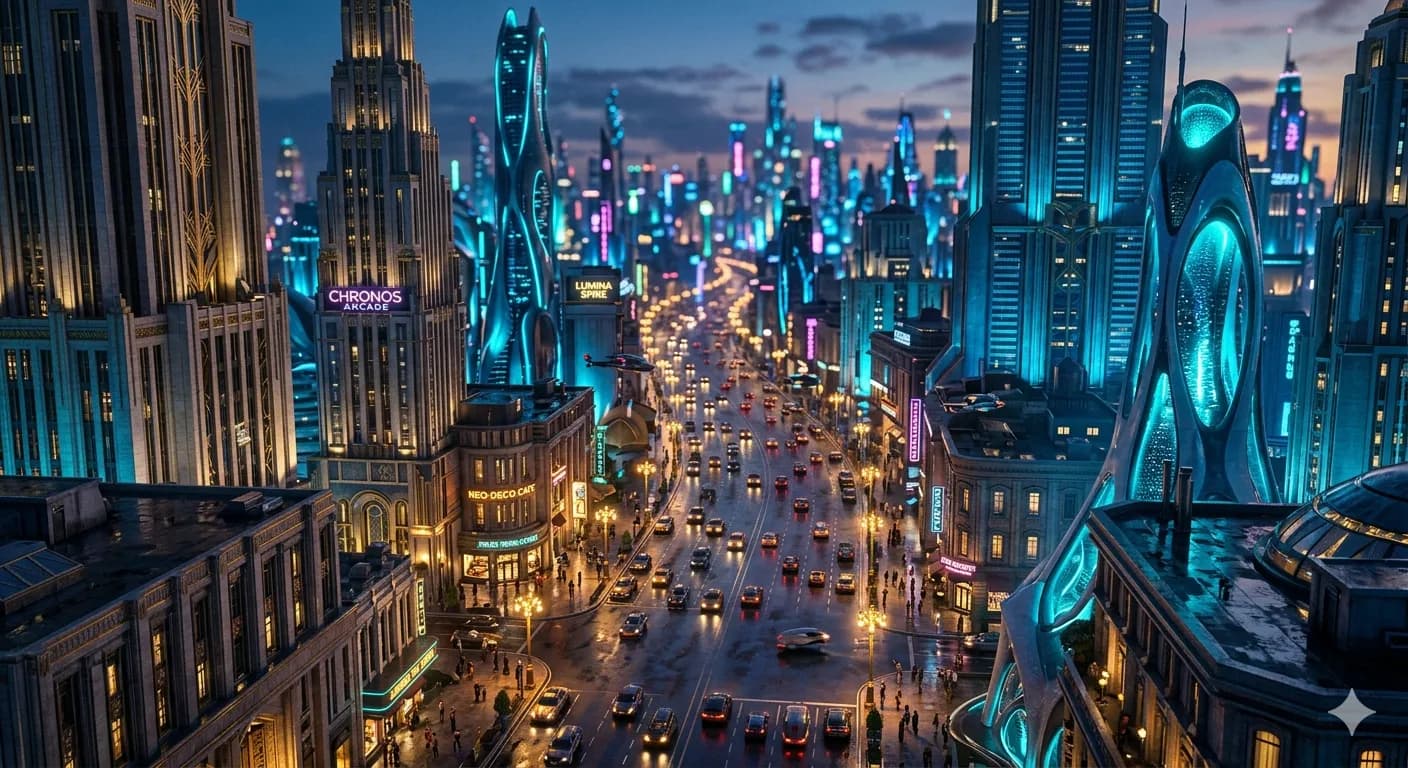
Midjourney V8 prompts don't behave like the prompts you spent the last two years perfecting. V8.1 became the default model on June 10, 2026, and it quietly broke a lot of muscle memory: the keyword-stacking style that won on V6 and V7 now underperforms, and several beloved parameters didn't make the jump. If your old prompts suddenly feel flat, you're not imagining it.
This is the practitioner's changelog for Midjourney V8 prompts. Seven real shifts, what to delete from your old prompts, an honest list of what's still V7-only, and a step-by-step migration for your existing library. No cheerleading — where V8.1 is a step back, this guide says so.
Table of contents
- The headline shift: natural language wins
- The 7 big changes in Midjourney V8 prompts
- What's still V7-only (read this before you swap versions)
- Migrate your V6/V7 prompt library
- Frequently asked questions
The headline shift: natural language wins
The single change that matters most: V8.1 rewards natural language, and V7 rewarded brevity.
On V7, the winning move was a tight, comma-separated keyword list — fifteen words, maybe fewer:
woman, reading, cafe, sunlight, warm, cozy
On V8.1, that same prompt reads as thin. The model now parses spatial relationships and lighting direction, so a descriptive sentence of 40–50 words gives it far more to work with:
A woman reading in a sun-lit cafe corner, late afternoon light
angling through tall windows, warm amber tones across the table,
shallow depth of field, a half-empty coffee cup beside her book
Run both on V8.1 and the gap is obvious: the keyword version gives you a generic stock-feeling shot; the sentence version places the light, the depth, and the small props exactly where you said. This is the core of writing good Midjourney V8 prompts in 2026 — describe the scene like you're briefing a photographer, not tagging a stock library. Internalize this one shift and most of the other Midjourney V8 prompts advice below follows naturally.
🧠 Remember:
V8.1 rewards natural language. Write full descriptive sentences of 40–50 words that spell out lighting, depth, and spatial relationships — not comma-separated keyword lists.
⚡ Try This:
Take one of your existing V7 prompts and rewrite it as a natural-language sentence. Run both versions on V8.1 and compare — the difference in how the light and composition land is the whole lesson in one experiment.
The 7 big changes in Midjourney V8 prompts
Here's the full list of what actually changed, and what each one means for the prompts you write. None of these are cosmetic — each one changes how you'd write Midjourney V8 prompts from scratch, and several of them silently degrade prompts you carried over from V7.
1. Natural language beats keyword stacking. Covered above, and it's first because it's the one that breaks the most old prompts. Write sentences, not tag lists.
2. Longer prompts outperform brevity. The old "keep it under 15 words" rule is dead. On V8.1, well-structured prompts of 40–50 words consistently beat terse ones, because the extra detail removes the model's room to guess. Length only hurts when it turns into prompt soup — piles of vague adjectives. Detail good; padding bad.
3. --hd gives you 2K output directly. You no longer need a separate upscaling workflow to get a high-resolution result. Add --hd and the model renders at roughly 2K natively. It costs more time per job, but it removes a whole step from your pipeline.
4. --style raw for maximum prompt adherence. When you want V8.1 to follow your words instead of applying its own aesthetic polish, --style raw is the lever. It's the difference between "the model's prettier idea of your prompt" and "your prompt." For anything photographic or precise, reach for it.
5. Rendering is 4–5× faster. Standard jobs land in roughly 4 seconds; --hd jobs in around 12. That speed changes how you work — fast iteration on standard quality, then a final --hd pass once the prompt is locked.
6. Describe now outputs natural language. The Describe feature (image → prompt) used to spit out comma-separated keyword lists. It now returns natural-language descriptions, which means you can feed its output straight back into a V8.1 prompt without rewriting it into sentences first.
7. Default behaviors shifted. Default stylize and quality values changed between versions. If you carry over a V7 prompt and don't set parameters explicitly, the V8.1 defaults — not your old ones — decide the look. When a migrated prompt behaves oddly, an unstated default is usually why.
💡 Pro Tip:
Pair --style raw with a stylize value between 100 and 200 (--s 150 is a reliable starting point). It's the sweet spot on V8.1 — tight prompt adherence without flattening the aesthetic into something lifeless.
Put together, these seven shifts mean Midjourney V8 prompts are less about clever syntax and more about clear description. The prompters who adapt fastest are the ones who stop "tagging" and start "briefing" — writing the way you'd explain a shot to a photographer who can't see what's in your head.
Version labels move fast, and the defaults move with them. V8.1 has been the default since June 10, 2026 — but the practical takeaway is to confirm which model you're actually generating on before you trust any version-specific behavior, because a prompt tuned for one version can quietly misfire on another.
What's still V7-only (read this before you swap versions)
This is the section most "V8 changes" posts get wrong, so here's the honest version — because writing accurate Midjourney V8 prompts means knowing which flags aren't available, not just which ones are.
Omni Reference (--oref) and Omni Weight (--ow) are V7-only. They are not V8.1 features, no matter what an older article tells you. If you need to reference a character or style from an image using Omni Reference, you have to drop back to --v 7:
your prompt here --v 7 --oref https://your-image-url --ow 100
Midjourney is still training the V8 version of Omni Reference, with no published ETA. Until it ships, this is a genuine trade-off: V8.1's quality and speed, or V7's image-referencing. You can't have both in one job today.
⚠️ Watch Out:
Don't trust older guides that list --oref/--ow as V8 features — they're V7-only. Add --oref to a plain V8.1 job and it won't behave as expected. You must include --v 7 to use Omni Reference at all.
Character Reference (--cref / --cw) doesn't fill the gap either. --cref and --cw are a V6 / Niji 6-era feature and are incompatible with V7 — pass --cref to a V7 job and it errors or is ignored — and they are not V8.1 parameters. So there is no native character-reference flag on the current default model right now. If image-based character consistency is non-negotiable, --v 7 --oref is the workaround, and you accept V7 output to get it.
This matters because character consistency is one of the most-requested things in Midjourney, and right now the honest answer is "it's in transition." The full current workaround lives in the consistent-character guide.
Keeping track of what changed between versions — and which parameters work where, on which model — is exactly what burns your afternoon. Suvio stays current so you don't have to.
Migrate your V6/V7 prompt library
If you've got a folder of prompts that used to work, don't throw them out — migrate them. Most V7 prompts contain a good idea wrapped in outdated syntax, and converting them into Midjourney V8 prompts is mechanical once you know the steps. Here's the order of operations that turns a V7 prompt into a working V8.1 prompt.
Step 1 — Unstack the keywords. Take your comma-separated list and rewrite it as a sentence or two. "woman, reading, cafe, sunlight, warm" becomes "a woman reading in a sun-lit cafe, warm afternoon light." You're converting tags into a scene.
Step 2 — Remove old weight syntax. Strip out :: hard-weights and (word:1.3)-style emphasis left over from V5/V6. V8.1 doesn't need them; emphasis now comes from word choice and order, not punctuation.
Step 3 — Lead with the subject. Current Midjourney weighs earlier words more heavily, so put the subject first and modify it after. This alone fixes a lot of "the model ignored my subject" complaints.
Step 4 — Check your parameters still exist. Some flags changed or are version-locked (see the V7-only section above). Don't assume an old -- flag still does what it did. When in doubt, confirm against the Midjourney parameters cheat sheet.
Step 5 — Test with --style raw. Run the migrated prompt once normally and once with --style raw, and keep whichever matches your intent. For photographic work, --style raw usually wins.
| Old V6/V7 habit | What to do for V8.1 |
|---|---|
| Comma-separated keyword list | Rewrite as descriptive sentences |
:: weights and (word:1.3) emphasis | Delete; lead with the subject instead |
| Terse 15-word prompts | Expand to 40–50 words of real detail |
Assuming every -- flag still works | Verify; some are version-locked (--oref/--ow need --v 7) |
That's the whole migration. It's not hard — it's just tedious to do across a library of dozens or hundreds of prompts, one at a time, while double-checking which parameters survived the version jump. If you'd rather skip the version archaeology, you can get prompts tuned for the latest Midjourney and describe the image instead.
For the bigger picture of how prompt structure works on current models — beyond just V8's changes — start with the pillar: the complete guide to AI prompt engineering. And to fix the specific problems that survive a migration, the Midjourney negative prompts guide handles the --no traps that trip up migrated prompts.
Frequently asked questions
What's the biggest change in Midjourney V8 prompts? Natural language. V7 rewarded short keyword lists; V8.1 rewards descriptive sentences of 40–50 words that spell out lighting, depth, and spatial relationships. Rewriting tag-style prompts as scenes is the single highest-impact change you can make.
Is V8.1 the current default Midjourney version?
Yes. V8.1 became the default model on June 10, 2026, so any Midjourney V8 prompts you write run on V8.1 unless you explicitly add --v 7. V7 stays selectable, which matters because some parameters remain V7-only.
Can I use --oref (Omni Reference) on V8?
No. --oref and --ow are V7-only. Midjourney is still training the V8 version of Omni Reference, with no published ETA. To use Omni Reference today, add --v 7 to your job and accept V7 output.
Do --cref and --cw work on V8.1?
No. --cref and --cw are a V6 / Niji 6-era feature, are incompatible with V7, and are not V8.1 parameters. There's no native character-reference flag on the current default model; --v 7 --oref is the current workaround.
Should I delete my old V6/V7 prompts?
No — migrate them. Unstack the keywords into sentences, remove old :: weights, lead with the subject, verify the parameters still exist, and test with --style raw. The ideas carry over; only the language and flags change.
How long should a Midjourney V8 prompt be? Around 40–50 well-structured words is the sweet spot. Longer beats terse on V8.1, as long as the extra words are real detail and not stacked filler adjectives.
Are Midjourney V8 prompts harder to write than V7 prompts? Different, not harder. V7 rewarded compact keyword craft; Midjourney V8 prompts reward clear, descriptive briefing. If you can describe a scene the way you'd explain it to a photographer, you already have the core skill — the rest is knowing which parameters survived the version jump.
Keep reading
Midjourney Prompt Structure: A 5-Part Formula
A repeatable Midjourney prompt structure — the 5-part formula that turns a blank box into the on-target image you pictured, with a before/after for each part.
Midjourney Portrait Prompts: 11 That Actually Work
11 Midjourney portrait prompts that work in 2026 — copy-paste them, then learn the lens, lighting, and stylize choices that make a portrait look real.
Midjourney Parameters Cheat Sheet: Complete 2026 V8
This Midjourney parameters cheat sheet covers every flag — --ar, --stylize, --chaos, --sref — with V8 defaults, version compatibility, and visuals.