AI Prompt Engineering: The Complete 2026 Guide
AI prompt engineering, made practical. Learn the exact structure, parameters, and platform tricks that turn your rough idea into the image you actually wanted.
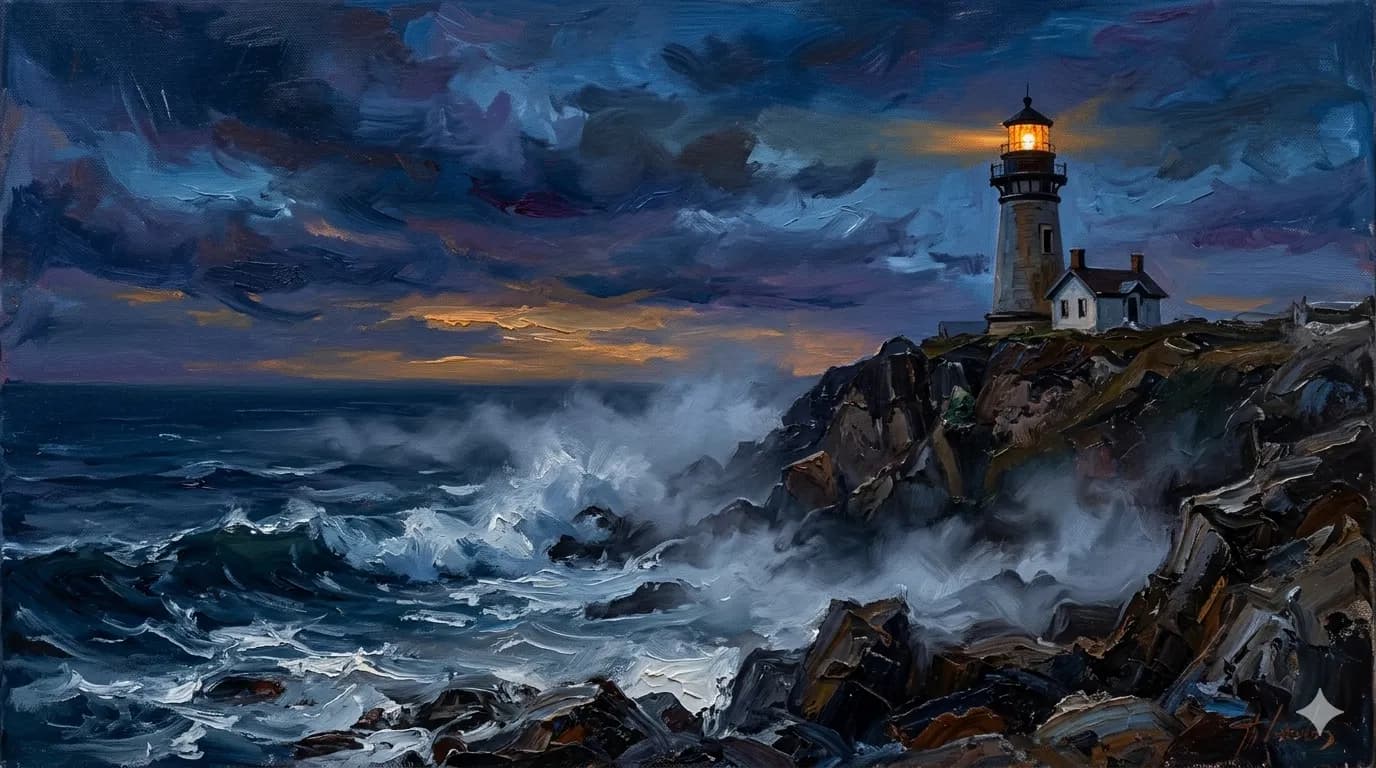
AI prompt engineering is the craft of turning a rough creative idea into the precise instructions an image or video model needs to give you the picture in your head. It is the difference between typing "a fox in a forest" and getting a generic stock photo, versus writing four well-ordered sentences and getting exactly the shot you imagined — fog, golden light, the right lens, the right mood.
This guide is the practical version. Not the academic "what is a prompt" lecture, but the working knowledge you build after generating thousands of images: how a prompt is structured, what the parameters actually do, why the same idea needs a different prompt on every platform, and the mistakes that quietly waste your credits.
Table of contents
- What is AI prompt engineering?
- Why your prompts matter: the communication gap
- How AI prompt engineering changed in 2026
- The anatomy of a great prompt: five layers
- Platform matters: the same idea, different prompts
- Image vs video prompting
- Iterating without starting over
- Common mistakes in AI prompt engineering
- Your AI prompt engineering checklist
- Frequently asked questions
What is AI prompt engineering?
AI prompt engineering is the practice of writing inputs that get a generative model to produce a specific, intended output instead of a random one. For image generators like Midjourney and Nano Banana Pro, that means describing a subject, a style, the lighting, the composition, and the technical settings clearly enough that the model has very little room to guess.
Here is the part most "what is a prompt" articles skip: the model is not reading your mind, and it is not reading your intent. It is reading tokens. Every word you add either narrows the output toward what you want or widens it toward noise. Good AI prompt engineering is mostly about narrowing — being specific where it counts and silent where it doesn't.
That sounds simple. It isn't, and the reason is that "specific enough" changes per platform and per model version. A prompt that was perfect on Midjourney V7 reads as under-detailed on V8.1. A prompt tuned for Midjourney falls flat on Nano Banana Pro. The skill is real, and it moves.
Why your prompts matter: the communication gap
There is a gap between what you mean and what the model hears. Close that gap and you get the image on the first or second try. Leave it open and you burn an afternoon — and a stack of credits — on trial and error.
The clearest way to see the gap is to take one idea and write it for two different platforms.
The idea: A red fox in a misty forest at golden hour.
Midjourney V8.1:
A red fox standing alert in a misty pine forest, golden hour sunlight
filtering through the trees, volumetric fog, wildlife photography,
85mm lens, shallow depth of field --ar 16:9 --style raw --s 200
Nano Banana Pro:
Wildlife photograph of a red fox standing alert among tall pines.
Early morning, low golden sun behind the trees, thick ground fog
diffusing the light. Composition: fox in the left third, facing
right into open space. Natural color, photographic realism, soft
background separation.
Same idea. Two genuinely different prompts. Midjourney wants a flowing description plus its own parameter flags (--ar, --style raw, --s). Nano Banana Pro wants composition and scene description spelled out in plain language and ignores -- flags entirely. Hand the Midjourney prompt to Nano Banana Pro and the -- parameters become literal garbage in the output.
This is the communication gap in one image. The idea is the easy part. Saying it in each platform's native language — and keeping up as those languages change with every version — is where the time goes.
It's worth being concrete about the cost. A typical "describe it vaguely and regenerate until it's close" session burns a dozen generations to land one usable image. Good AI prompt engineering flips that ratio: you spend the effort up front, in the prompt, and the model spends fewer attempts getting there. The skill doesn't make the model smarter — it removes the model's room to misunderstand you.
How AI prompt engineering changed in 2026
If you learned AI prompt engineering a year or two ago, half of what you know is now slightly wrong — and that's not your fault. The models moved.
The biggest shift is the move from keyword stacking to natural language. Older Midjourney versions rewarded short, comma-separated keyword lists: woman, reading, cafe, sunlight, warm, cozy. Current Midjourney (V8.1, the default since June 2026) rewards the opposite — descriptive sentences of 40–50 words that spell out spatial relationships and lighting direction. The model now parses "a woman reading in a sun-lit cafe corner, late afternoon light angling through tall windows" far better than a flat tag list.
A few other 2026 realities worth internalizing as you practice AI prompt engineering:
- Longer, well-structured prompts beat brevity. The old "keep it under 15 words" advice is dead on current models.
--style rawexists for adherence. When you want the model to follow your words instead of prettifying them, it's the most useful flag you have.- Higher-resolution output is increasingly the default, which changes how much fine detail is worth describing.
- Some beloved parameters are version-locked. Not every flag works on every version — a recurring trap flagged throughout this guide.
The lesson isn't "memorize V8.1." It's that AI prompt engineering is a moving target, and any guide that doesn't tell you which version it's written for is quietly lying to you. The full breakdown — the 7 big changes in Midjourney V8 prompts — is its own dedicated post.
The anatomy of a great prompt: five layers
Almost every strong image prompt is built from five layers. You don't always need all five, but when an image disappoints, the fix is usually a missing layer.
- Subject — what the image is of.
- Style — the aesthetic: medium, genre, artist-feel, era.
- Mood and lighting — time of day, color temperature, atmosphere.
- Composition — framing, shot type, lens, where the subject sits.
- Parameters — the technical flags (
--ar,--style raw,--s).
💡 Pro Tip:
Start with subject and style. Those two layers do 80% of the work. Add mood, composition, and parameters only when you need to refine.
The best way to feel how each layer changes the output is to build a prompt one layer at a time.
Subject only:
a lighthouse
Generic. Centered. Daytime. The model picked everything for you.
+ Style:
a lighthouse, oil painting, impressionist brushwork
Now it has an aesthetic. It's a painting, not a photo.
+ Mood and lighting:
a lighthouse, oil painting, impressionist brushwork, at dusk,
warm amber light against an indigo sky
Atmosphere lands. The image has a time and a feeling.
+ Composition:
a lighthouse, oil painting, impressionist brushwork, at dusk,
warm amber light against an indigo sky, cinematic wide shot,
rule of thirds, lighthouse on the right
Framing is now intentional instead of accidental.
+ Parameters:
a lighthouse, oil painting, impressionist brushwork, at dusk,
warm amber light against an indigo sky, cinematic wide shot,
rule of thirds, lighthouse on the right --ar 16:9 --style raw --s 150
Technical polish: the right aspect ratio, tighter prompt adherence, a controlled stylization level.
There's an optional sixth layer worth naming: negatives — telling the model what to leave out. On Midjourney that's the --no flag (--no text, watermark). It's powerful and it's easy to misuse; done wrong, --no removes more than you intended. It earns its own deep dive in the Midjourney negative prompts guide, so treat it as an advanced extension of the five core layers rather than a sixth thing you always need.
Here is the catch. Knowing the five layers exist is the easy 20%. The hard 80% is knowing which layer matters most for a given platform, version, and use case — when to lean on lighting, when composition is doing the heavy lifting, when a single parameter rescues the whole image. That judgment is what separates a reliable result from a coin flip, and it's exactly where doing this manually every time starts to feel tedious.
Platform matters: the same idea, different prompts
You saw this with the fox. It's worth stating as a rule, because it's the single most expensive thing new prompters get wrong: a prompt is platform-specific, not universal.
| Midjourney V8.1 | Nano Banana Pro | |
|---|---|---|
| Prompt style | Descriptive sentences, 40–50 words | Plain-language scene + composition |
| Parameters | -- flags (--ar, --style raw, --s) | No -- flags; describe in words |
| Strength | Aesthetic polish, cinematic looks | Composition control, scene logic |
| Aspect ratio | --ar 16:9 | Stated in the description |
The mistake is to write one "master prompt" and paste it everywhere. The flags that sharpen a Midjourney image become literal text on a platform that doesn't parse them. The brevity that worked last year underperforms on a model that now rewards detail. This is why AI prompt engineering is genuinely platform-specific work rather than a single reusable trick.
This is also why "best prompt" lists age badly. A list of copy-paste Midjourney prompts from 2024 is keyword-stacked for an old version and will produce flat results today. The current shift — the natural-language flip alone breaks most older prompts — is covered in detail in the dedicated Midjourney V8 post.
⚡ Try This:
Take your best prompt and try it on a different platform. Notice what breaks. That gap is where platform-specific prompt engineering lives.
Image vs video prompting
Everything above is image-first, but video prompting (Kling, Veo) adds a layer that images don't have: motion. You're no longer describing a single frame — you're describing what changes across time.
That means two new things to control: camera motion (does the camera push in, pan, orbit?) and subject motion (what does the subject actually do?). A still-image instinct — pack the frame with detail — backfires in video, where over-described frames fight the motion. Video prompt structure gets its own dedicated cluster; for now, the rule is: describe the action and the camera move, not just the scene.
The five-layer thinking still applies — subject, style, mood, composition, parameters all carry over — but motion sits on top of it, and the platforms diverge again. Kling and Veo each want the action described differently, which is the same platform-specificity problem from earlier, now with a time axis. If you've internalized AI prompt engineering for stills, you're most of the way there; you're adding one dimension, not starting over.
Iterating without starting over
The most common failure mode isn't a bad first prompt. It's reacting to a bad first prompt by rewriting everything at once — new subject, new style, new lighting, new parameters — so when the next image is better (or worse) you have no idea which change did it.
Change one variable at a time.
If the composition is right but the mood is wrong, touch only the lighting layer. If the subject is perfect but it's too stylized, drop --s or add --style raw and change nothing else. You're running an experiment; keep the controls fixed so the result tells you something. Disciplined iteration like this is where AI prompt engineering stops feeling like gambling and starts feeling like a process.
🧠 Remember:
Change one variable at a time. If you change the subject AND the style AND the parameters, you won't know which change caused the improvement.
Common mistakes in AI prompt engineering
Most AI prompt engineering failures aren't exotic. Three mistakes account for the bulk of disappointing results, and all three are easy to fix once you can name them.
Prompt soup. Stacking adjectives — beautiful stunning amazing gorgeous epic masterpiece — reads as noise to a current model. It doesn't add quality; it dilutes the signal. One precise descriptor beats five vague ones. Cut the soup.
⚠️ Watch Out:
Stacking adjectives like "beautiful stunning amazing gorgeous" reads as noise to V8.1. One precise descriptor beats five vague ones.
Front-loading the wrong thing. Current Midjourney weighs earlier words more heavily. Lead with your subject, then modify it. "A red fox in a misty forest" outperforms "Misty forest with beautiful lighting containing a red fox" — in the second version, the model spends its attention on the forest and treats the fox as an afterthought.
🧠 Remember:
In V8.1, put your subject first. The model weighs earlier tokens more heavily.
Ignoring platform defaults. Every Midjourney version ships with its own default stylize, quality, and aspect-ratio behavior. If you don't know the defaults, you can't predict the output, and you'll blame your prompt for a setting you never set. When in doubt, set the parameters explicitly.
Each of these has its own deeper post. The --no trap and how to remove unwanted elements the right way is covered in the Midjourney negative prompts guide. For the ordering and layering rules, see the 5-part Midjourney prompt structure formula. For what every flag does, see the Midjourney parameters cheat sheet.
Suvio handles parameter selection, platform translation, and version-specific tuning automatically. See pricing →
Your AI prompt engineering checklist
Here's the whole of AI prompt engineering compressed into a pre-flight you can run in ten seconds. Run it before you hit generate:
- Subject first. Is the main subject the first thing in the prompt?
- One style direction. Photo or painting or render — pick one, name it once.
- Lighting named. Time of day, direction, color temperature.
- Composition set. Shot type, lens, where the subject sits in frame.
- Parameters explicit.
--arfor shape,--style rawfor adherence,--sfor stylization. - No soup. Did you cut the adjective pile-up?
- Right platform. Is this written in the target platform's syntax, not pasted from another?
The honest takeaway: AI prompt engineering is a real, learnable craft, and the principles above will measurably improve your hit rate. It's also genuinely tedious to do well across multiple platforms and a moving set of versions, every single time. That tedium is the gap. You can close it by hand, or you can describe what you want and let the prompt get built for you.
Frequently asked questions
What is AI prompt engineering? AI prompt engineering is the craft of writing inputs that make a generative model produce a specific, intended image or video instead of a generic one. In practice it means structuring a subject, style, lighting, composition, and parameters clearly enough that the model has little room to guess.
Is AI prompt engineering a skill worth learning in 2026? Yes. Models got better at understanding language, but they didn't stop rewarding clear instructions — they raised the ceiling. AI prompt engineering is still what separates a generic output from the exact image you pictured, and the principles transfer across every platform you'll use.
Do I really need to learn prompt structure, or can I just describe what I want? You need structure. Plain descriptions work for rough drafts, but the five-layer structure — subject, style, mood, composition, parameters — is what gives you repeatable, on-target results instead of lucky ones.
Why does the same prompt give different results on Midjourney and Nano Banana Pro?
Because they're different models with different syntaxes. Midjourney parses -- parameter flags and rewards 40–50 word descriptions; Nano Banana Pro ignores flags and wants composition spelled out in plain language. The idea is shared, but the prompt has to be rewritten per platform.
What's the most common AI prompt engineering mistake? Prompt soup — stacking vague adjectives like "beautiful stunning epic masterpiece." Current models read it as noise. One precise descriptor outperforms five vague ones.
Does word order matter in a prompt? Yes. Current Midjourney weighs earlier tokens more heavily, so lead with your subject and then modify it. "A red fox in a misty forest" beats "Misty forest containing a red fox."
How do I stop wasting credits on trial and error? Change one variable at a time so each generation is feedback, not a guess — and write in the target platform's native syntax from the start. If you'd rather skip the manual tuning entirely, Suvio builds the platform-tuned prompt for you.
Keep reading
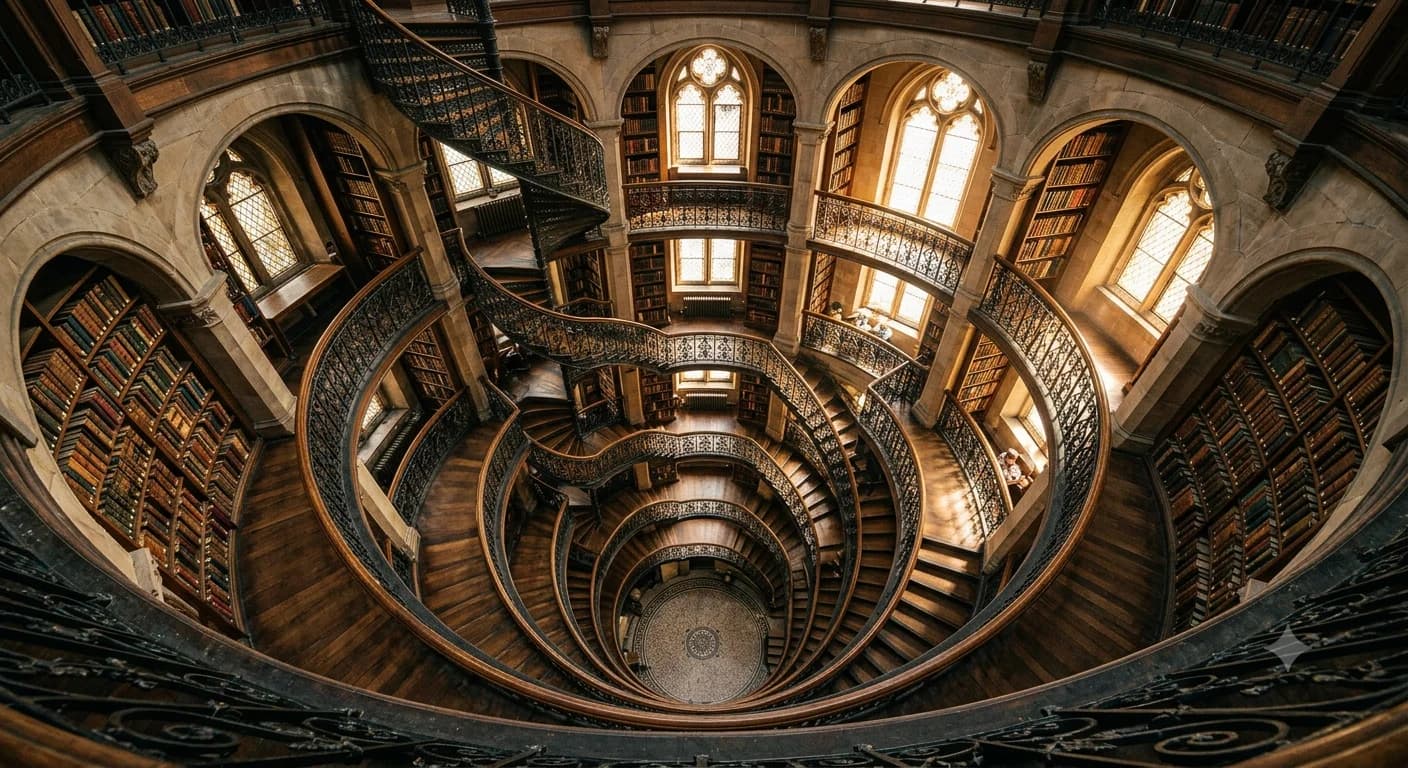
Midjourney Prompt Structure: A 5-Part Formula
A repeatable Midjourney prompt structure — the 5-part formula that turns a blank box into the on-target image you pictured, with a before/after for each part.
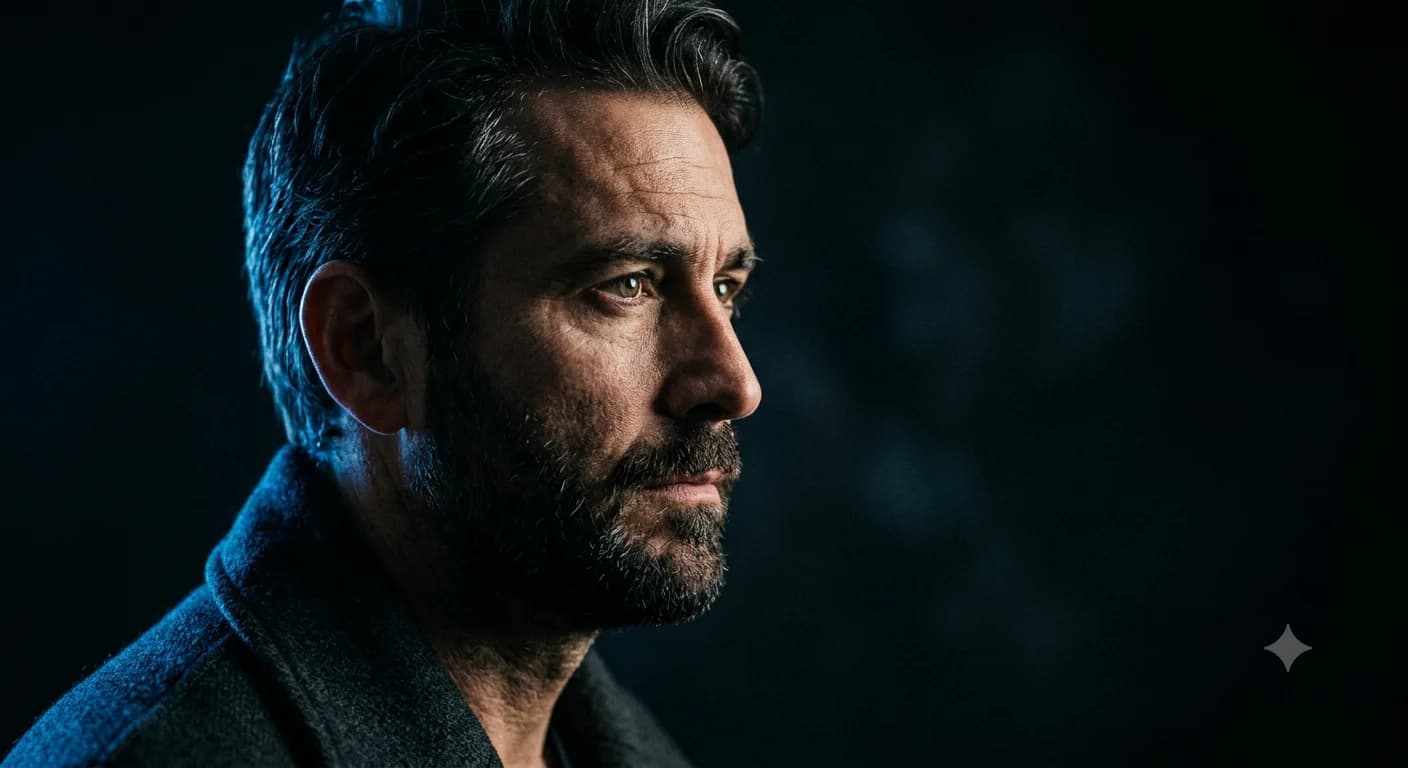
Midjourney Portrait Prompts: 11 That Actually Work
11 Midjourney portrait prompts that work in 2026 — copy-paste them, then learn the lens, lighting, and stylize choices that make a portrait look real.
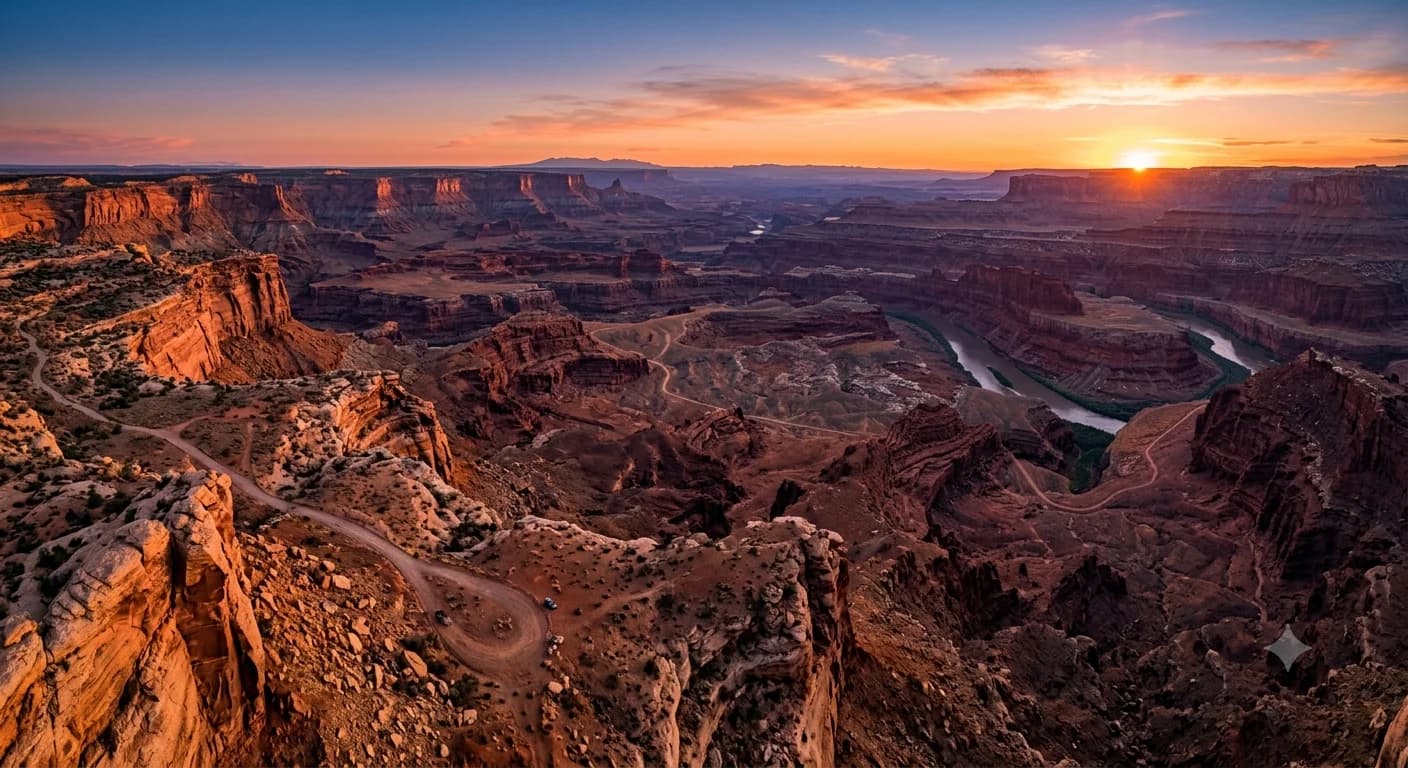
Midjourney Parameters Cheat Sheet: Complete 2026 V8
This Midjourney parameters cheat sheet covers every flag — --ar, --stylize, --chaos, --sref — with V8 defaults, version compatibility, and visuals.